
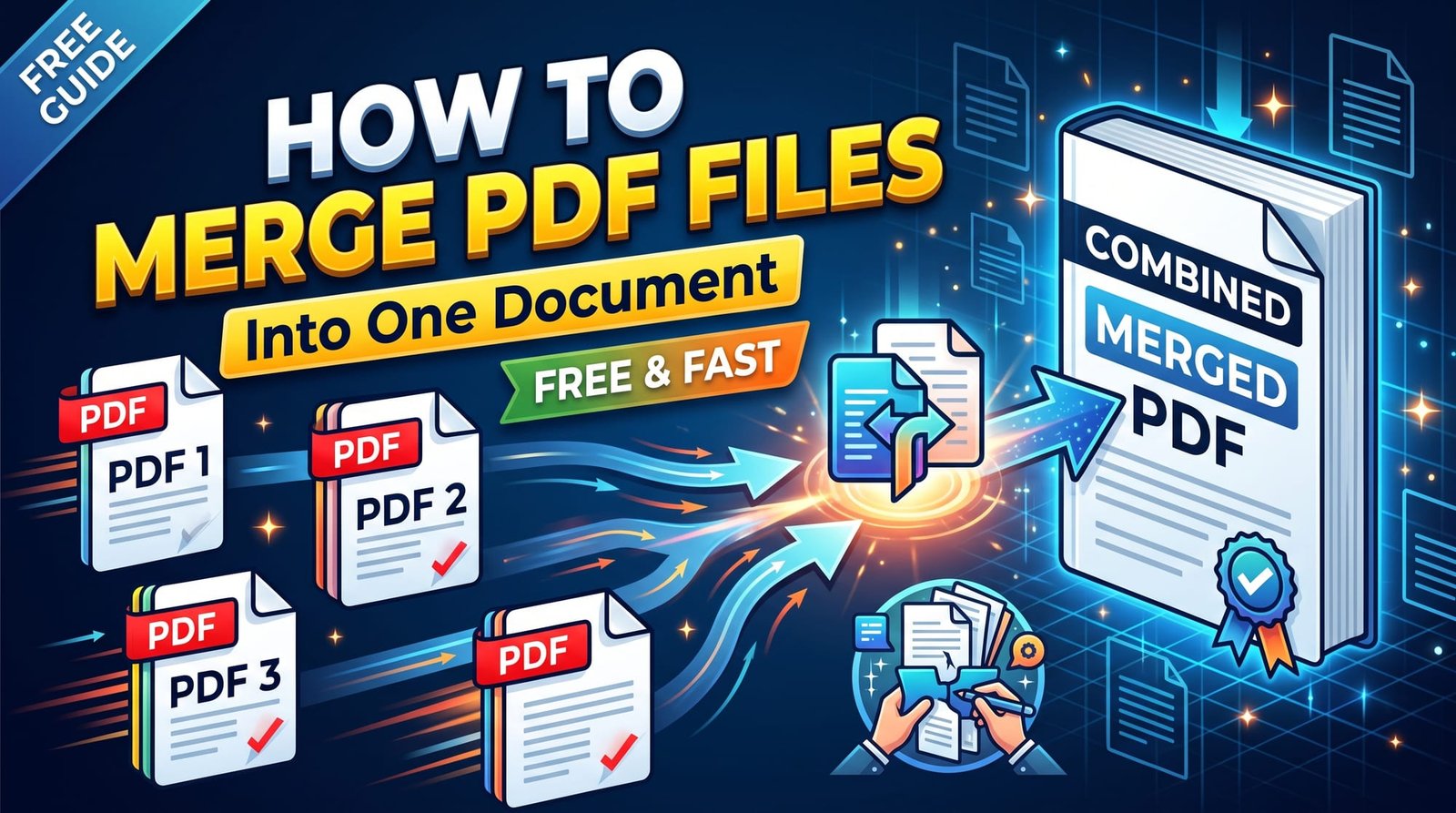
Whether you’re sending a job application, submitting a visa file or bundling monthly invoices, there’s usually one request that comes up: “Please send everything as a single PDF.” Learning to merge PDF files takes about thirty seconds, and you don’t need Adobe Acrobat or any paid software to do it.
This guide covers the simplest way to combine PDFs, how to control the page order, what to do with password-protected files and images, and how to merge PDFs on every major device.
What Does It Mean to Merge PDF Files?
Merging (also called combining or joining) takes two or more separate PDF documents and stitches their pages together into one new file. The original documents aren’t changed — you simply get an extra PDF that contains all the pages, in the order you choose.
Because pages are copied rather than re-rendered, a proper merge doesn’t reduce quality. Text stays selectable, links keep working and scanned pages look exactly as they did before.
How to Merge PDF Files Online (Step by Step)
Here’s the fastest free method using our Merge PDF tool:
- Open the tool in your browser.
- Select all the PDFs you want to combine. They’re added in the order you pick them.
- Check the file list. If one is in the wrong place, remove it and add it again to move it to the end.
- Click Merge and download your combined PDF.
There’s no page limit, no file count limit and no watermark stamped on your pages.
How to Combine PDF Files in the Right Order
Order matters — nobody wants the signature page before the cover letter. A few habits make it painless:
- Name files with numbers before you start (01-cover.pdf, 02-cv.pdf, 03-certificates.pdf). They’ll sort correctly in your file picker.
- Add files one at a time if the picker keeps sorting them alphabetically.
- Fix it afterwards: if a page still ends up in the wrong spot, use Reorder PDF Pages to type the exact order you want, such as 1,3,2,4.
Merge PDF on Windows, Mac, iPhone and Android
Windows 10 and 11
Windows has no built-in way to merge PDFs. Microsoft Edge can open and annotate them but not combine them. An online merger in any browser is the easiest free route.
Mac
Preview can combine PDFs by dragging thumbnails from one document’s sidebar into another, but it’s fiddly with many files. Uploading them to an online tool is usually quicker.
iPhone and iPad
The Files app has a “Create PDF” option when you select several items, but it doesn’t always respect your order. Using a browser-based merger in Safari gives you full control and works with files from iCloud Drive.
Android
Open the merger in Chrome, select PDFs from Downloads or Google Drive and download the combined file. Share it straight to email or WhatsApp.
Can You Merge PDF and JPG Files Together?
Yes — just not in one step. PDFs and images are different formats, so first turn your photos into a PDF with JPG to PDF (or Image to PDF for PNG, WebP and HEIC). Then merge that new PDF with your other documents. This is the usual way to attach a photographed ID card or receipt to a set of forms.
How to Merge Password-Protected PDFs
Encrypted PDFs can’t be combined until the protection is removed. If you know the password, open Unlock PDF, enter it, download the unlocked copy and then merge as normal. If you need the final document protected again, run it through Protect PDF afterwards.
Merging vs Other Ways to Bundle Documents
| Method | Pros | Cons |
|---|---|---|
| Merge into one PDF | One file, fixed order, opens anywhere | Need to re-merge if a page changes |
| Send a ZIP of PDFs | Keeps files separate | Recipients must extract; some portals reject ZIPs |
| Attach many files | No preparation | Easy to miss attachments; order unclear |
For forms, applications and anything a reviewer reads from start to finish, a single merged PDF is almost always the better choice.
Is It Safe to Merge PDF Files Online?
Merging often involves personal paperwork, so safety is reasonable to ask about. Choose a tool that doesn’t require an account, doesn’t keep copies and doesn’t add watermarks. Ours merges files in memory and deletes them as soon as the download is ready.
Tips for a Clean Merged PDF
- Check page sizes: mixing A4 and US Letter is fine, but very different sizes can look odd when scrolling.
- Rotate sideways scans first with Rotate PDF so the final file reads naturally.
- Compress at the end: if the merged file is too big to email, run it through Compress PDF.
- Add page numbers for long bundles so reviewers can reference pages easily.
Why Merge PDF Files?
A single document is easier to review, easier to print and harder to lose. Recruiters, universities and government offices often ask for one upload, and many portals only accept a single file. Merging also keeps related paperwork together for your own records. The PDF format is ideal for this because pages from different sources keep their exact layout.
Wrapping Up
To merge PDF files, gather them, add them in the right order, merge and download — that’s genuinely all there is to it. Unlock protected files first, convert images to PDF before combining, and compress the result if it’s large. Try the free PDF merger next time someone asks for “just one file”.
Frequently Asked Questions
How do I merge PDF files into one document?
Upload all the PDFs to a merger in the order you want, click Merge and download the combined file. Each original PDF stays unchanged.
How do I combine PDF files for free?
Use a free online PDF merger. Ours has no sign-up, no watermark and no page limit.
How do I join PDF files together on Windows?
Windows has no built-in merger, so open an online tool in Edge or Chrome, select the files and download the joined PDF.
Can you merge PDF files on iPhone?
Yes. Open an online merger in Safari, select PDFs from the Files app and save the combined PDF back to Files.
Is it safe to merge PDF files online?
It is when the service doesn’t store your files. Look for tools that process documents in memory and delete them immediately.
Does merging PDFs reduce quality?
No. A proper merge copies pages exactly, so text, images and links are unchanged.
How do I change the order of merged PDF pages?
Add files in the order you want, or reorder pages afterwards by typing the new sequence in a reorder tool.
Can I merge a PDF with a JPG?
Convert the JPG to PDF first, then merge it with your other PDFs.
Can I merge password-protected PDFs?
Only after removing the password. Unlock the file with its password, then merge.
What is merge PDF?
Merging PDF files means combining several PDF documents into one file that contains all their pages in a chosen order.