
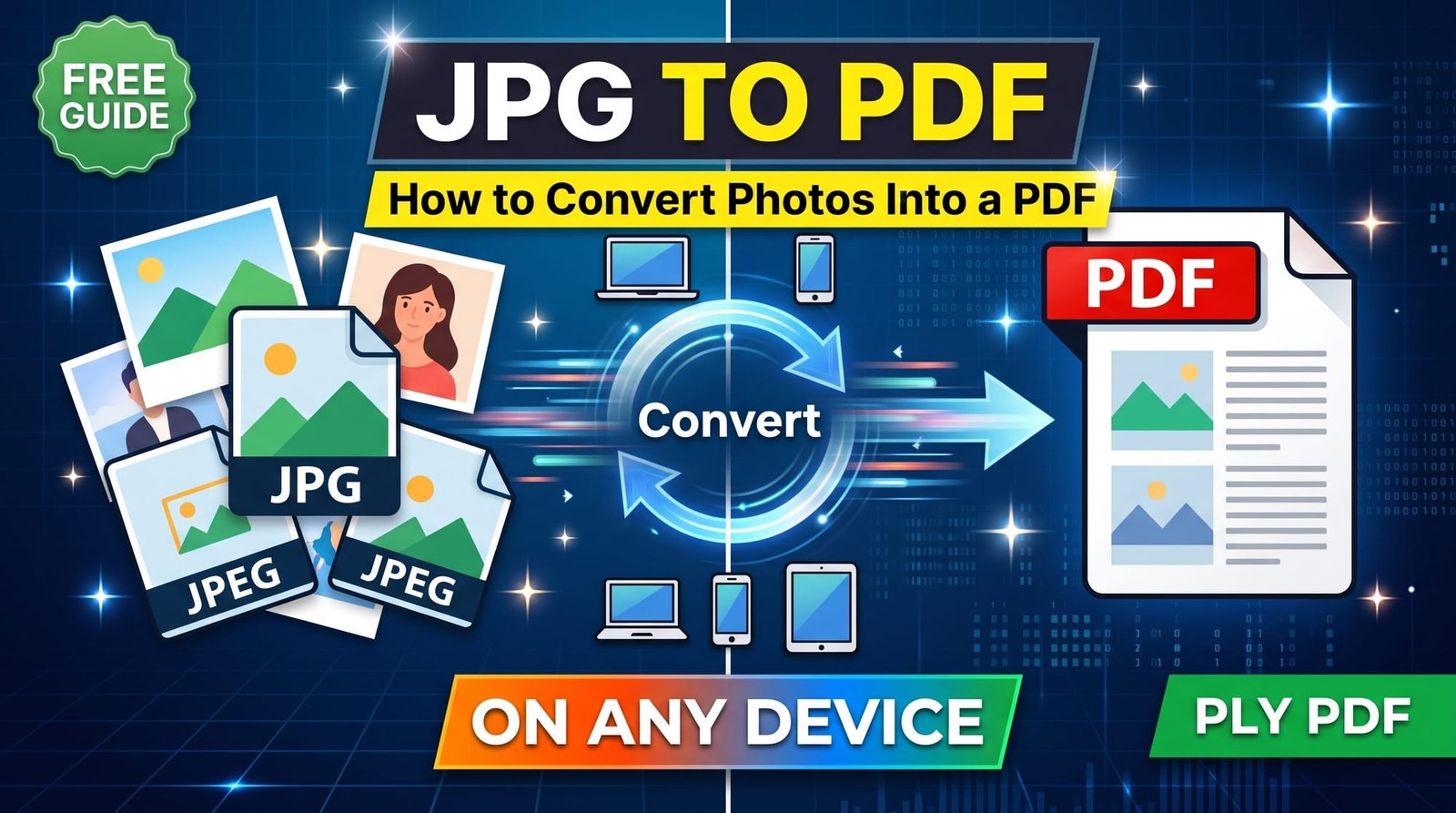
Receipts, ID cards, signed pages, handwritten notes — so much paperwork now starts life as a photo on your phone. But the office, university or bank on the other end usually wants a PDF. Converting JPG to PDF bridges that gap in seconds, and you can merge a dozen photos into one tidy document while you’re at it.
Below we’ll cover the quickest free method, how to choose page size and margins, how to do it on iPhone, Android, Windows and Mac, and a few tricks for keeping the PDF small enough to upload.
Why Convert JPG to PDF?
- One file instead of many: five photos of a document become a single five-page PDF.
- Accepted everywhere: many upload portals only take PDF.
- Prints properly: A4 or Letter pages print at the right size, without stretched or cropped photos.
- Looks professional: a PDF reads like a document, not a pile of attachments.
How to Convert JPG to PDF Online (Step by Step)
Using our free JPG to PDF converter:
- Open the tool and select one or more JPG photos. They’ll appear in the order you choose them.
- Pick a page size: Same as image, A4 or US Letter.
- For A4 or Letter, choose portrait, landscape or automatic orientation.
- Add a small or large margin if you want white space around each photo.
- Click Convert and download your PDF.
No sign-up, no watermark, and photos are deleted as soon as the PDF is ready.
Choosing the Right Page Size
| Option | What it does | Best for |
|---|---|---|
| Same as image | Each page is exactly the size of its photo | Viewing on screen, sharing on chat apps |
| A4 | Standard 210 × 297 mm pages, photo fitted inside | Printing and official forms outside North America |
| US Letter | 8.5 × 11 inch pages | Printing in the US and Canada |
If you plan to print or a form says “A4 only”, choose A4. If it’s just for sharing, “Same as image” keeps everything crisp with no borders.
How to Convert JPG to PDF on iPhone
Open the converter in Safari, tap the upload box, choose Photo Library and select your pictures. Download the PDF and save it to the Files app. iPhones also have a “Print” trick — pinch outwards on the print preview to create a PDF — but it’s clumsy for multiple photos and gives you little control over page size.
How to Convert JPG to PDF on Android
In Chrome, open the converter and pick photos from your gallery or Google Photos downloads. The PDF lands in your Downloads folder, ready to attach to an email or upload to a portal.
How to Convert JPG to PDF on Windows
Windows 10 and 11 can print images to “Microsoft Print to PDF”, but it often crops photos and handles multiple pages awkwardly. Dragging your JPGs into an online converter is faster and gives you proper margins and page sizes.
How to Convert JPG to PDF on Mac
Preview can export images as PDF: select them all in Finder, open in Preview, then File → Print → Save as PDF. It works, but the browser method is simpler if you also want consistent A4 pages.
Does Converting JPG to PDF Reduce Quality?
Not with a good converter. The photos are embedded at their original resolution, so zooming in on the PDF shows exactly the same detail as the JPG. Quality only drops if you deliberately compress the PDF afterwards — which is sometimes necessary for strict upload limits.
How to Keep the PDF Small
Phone photos are big, so a ten-photo PDF can easily reach 30 MB. If you need it smaller:
- Shrink the photos first with Compress JPG (choosing a 1600 px maximum width is plenty for documents).
- Or convert first and then run the PDF through Compress PDF.
- For documents rather than photos, a black-and-white version via Grayscale PDF is dramatically smaller.
JPG to PDF vs Other Ways to Share Photos
| Format | Good for | Drawbacks |
|---|---|---|
| Individual JPGs | Quick sharing of a single photo | Order and grouping get lost |
| ZIP of JPGs | Keeping original files | Needs extracting; often rejected by forms |
| Single PDF | Documents, applications, printing | Slightly more effort to create |
Other Image Formats
Got PNG screenshots or iPhone HEIC photos instead? PNG to PDF keeps transparency and sharp text, and Image to PDF accepts JPG, PNG, WebP and HEIC together. You can also add the result to an existing PDF with Merge PDF.
Tips for Photographing Documents
- Use daylight or a bright room and avoid your shadow over the page.
- Hold the phone directly above the paper so lines stay straight.
- Fill the frame with the page — less background means a cleaner PDF.
- Take a second shot if text looks soft; sharp photos make sharp PDFs.
The JPEG format is perfect for photos but not for multi-page documents, which is exactly why converting to PDF makes sense.
Final Thoughts
Converting JPG to PDF takes seconds: select your photos, pick a page size and download. Use A4 or Letter for anything you’ll print, compress if a portal has a size limit, and keep your photos sharp for the best result. Try the free JPG to PDF tool on your next batch of paperwork.
Frequently Asked Questions
How do I convert JPG to PDF?
Upload your JPG photos to a converter, choose a page size and click Convert. Download the PDF when it’s ready.
Can I convert JPG to PDF for free?
Yes. Free online converters like ours need no sign-up and add no watermark.
How do I convert JPG to PDF on iPhone?
Open a converter in Safari, select photos from your library, download the PDF and save it to the Files app.
How do I convert multiple JPGs into one PDF?
Select all the photos at once. Each becomes a page in a single PDF, in the order you added them.
How do I convert JPG to PDF on Windows?
Drag the JPGs into an online converter in your browser. It’s quicker and more flexible than printing to Microsoft Print to PDF.
Does converting JPG to PDF reduce quality?
No. Photos are embedded at full resolution unless you compress the PDF afterwards.
How do I make a JPG to PDF file smaller?
Compress the photos before converting, or run the finished PDF through a PDF compressor.
Are JPEG and PDF the same?
No. JPEG is an image format; PDF is a document format that can contain images, text and multiple pages.
Should I choose A4 or “same as image”?
Choose A4 or Letter for printing and official forms; choose same as image for viewing on screen.
Is it safe to use a JPG to PDF converter?
It is when the tool deletes your photos after conversion and doesn’t require an account.