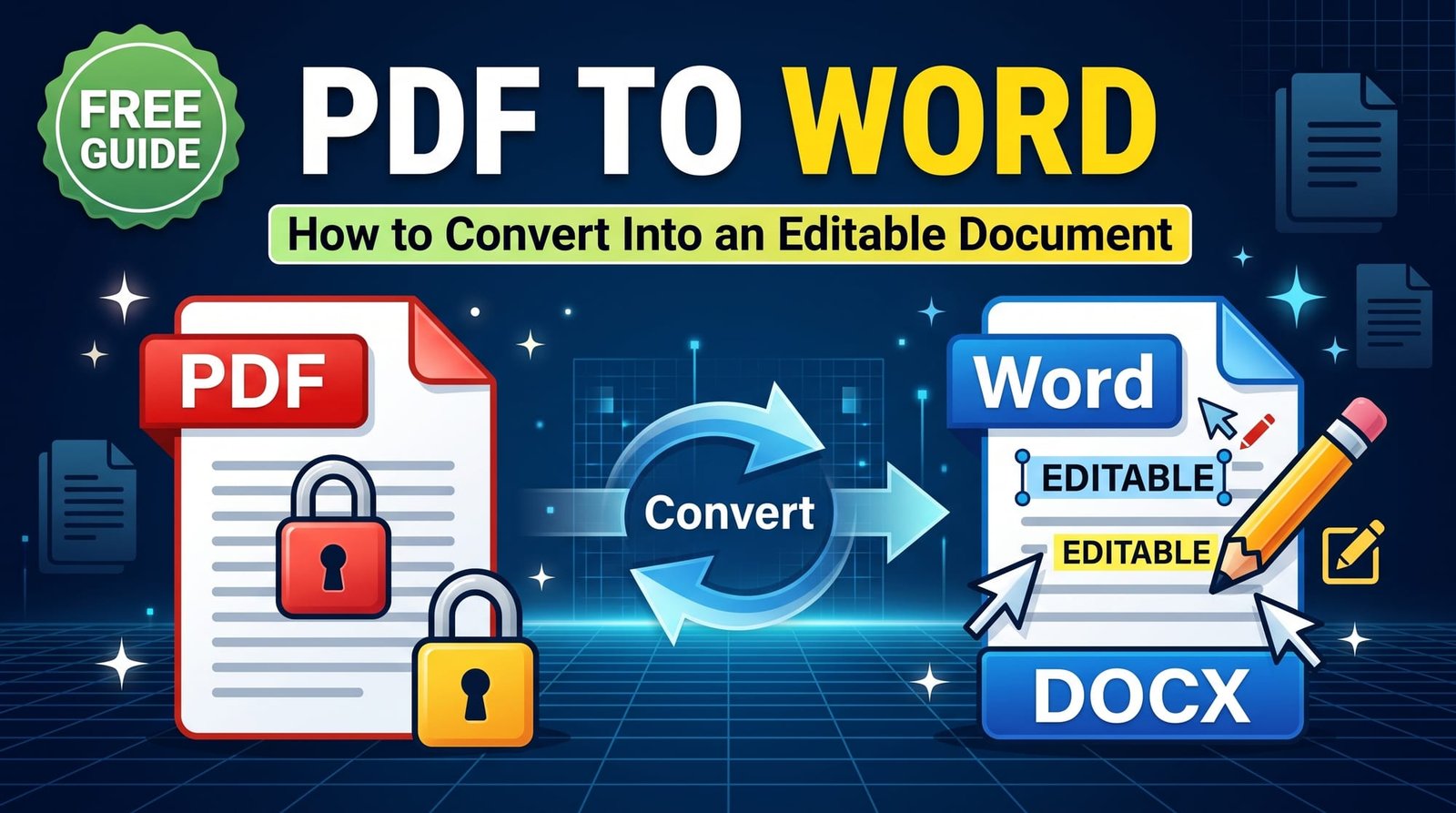
You spend an hour perfecting a CV in Word, send it off, and the recruiter opens it on a phone where the fonts are swapped and the bullet points have wandered. That’s exactly why people convert Word to PDF before sharing anything important: a PDF looks the same everywhere.
This guide covers the quickest free way to do it, how to keep the formatting intact, and what to check before you hit send.
Why Convert Word to PDF?
- Consistent layout: fonts, spacing and page breaks don’t shift between devices.
- Harder to edit: recipients can’t accidentally change your text.
- Universally readable: anyone can open a PDF, with or without Microsoft Office.
- Expected by employers and institutions: most job portals and universities ask for PDF.
How to Convert Word to PDF Online (Step by Step)
Using our free Word to PDF converter:
- Open the tool in any browser.
- Upload your .docx or older .doc file.
- Click Convert.
- Download the PDF.
The conversion uses a real office engine (LibreOffice), so headings, tables, images and page layout are reproduced faithfully. You don’t need Word installed at all.
How to Convert Word to PDF Without Changing the Format
Most formatting surprises come from three things, all easy to prevent:
1. Fonts
If your document uses an unusual font that the converter doesn’t have, a similar one is substituted, which can change line breaks. Stick to common fonts such as Calibri, Arial, Times New Roman or Georgia for documents you’ll convert, or export from Word itself with fonts embedded.
2. Manual spacing
Layouts built with repeated spaces and tabs can shift. Use proper alignment, tables or tab stops instead.
3. Floating images
Images set to “in front of text” can move. Use “in line with text” or “square” wrapping for predictable results.
Convert Word to PDF in Microsoft Word
If you have Word, File → Save As → PDF (or File → Export → Create PDF/XPS) works well. Choose “Standard” for printing or “Minimum size” for email. The online converter is simply handy when you’re on a computer or phone without Office.
Convert Word to PDF on Mac
Pages can open DOCX files and export them as PDF, but complex Word layouts don’t always survive the trip. Converting with an office-grade engine generally keeps Word documents closer to the original.
Convert Word to PDF on iPhone and Android
Open the converter in your mobile browser, pick the DOCX from Files or Downloads, and save the PDF. It’s useful when someone emails you a Word attachment that needs to be submitted as PDF.
Word vs PDF: When to Send Which
| Situation | Send as | Why |
|---|---|---|
| CV or cover letter | Layout stays perfect | |
| Draft for a colleague to edit | Word | They can track changes |
| Invoice or contract | Final and tamper-resistant | |
| Assignment submission | Check the brief — usually PDF | Portals often require it |
Why Can’t I Convert Word to PDF?
- The file is password protected: remove protection in Word first.
- The file is corrupted: open it in Word and use “Save As” to create a fresh copy.
- It’s not really a Word file: files renamed from another format won’t convert.
After Conversion: Useful Next Steps
- Too large to email? Shrink it with Compress PDF.
- Need it confidential? Add a password with Protect PDF.
- Need a signature? Place one with Sign PDF.
- Combining it with certificates? Use Merge PDF.
Word to PDF Without Comments or Tracked Changes
One of the most embarrassing conversion mistakes is sending a PDF that still shows reviewer comments or red tracked changes in the margin. Before converting, open the Review tab in Word and either accept or reject all changes, then delete all comments. If you only want to hide them for this copy, switch the markup view to “No Markup” before saving. A quick final read of the PDF confirms nothing slipped through.
Saving Word as PDF/A for Archiving
Courts, universities and government offices sometimes ask for PDF/A, the archival version of PDF that embeds every font so the document renders identically for decades. Convert your Word file to PDF first, then run it through PDF to PDF/A. If you work in LibreOffice or OpenOffice, OpenOffice to PDF can create a PDF/A copy in one step.
Making Your PDF Accessible
Accessible PDFs are easier for screen-reader users and often rank better in search when published online. The habits that help are the same ones that keep formatting stable: use real Heading styles instead of bold text, add alt text to images in Word, and use built-in lists and tables rather than spaces and tabs. A well-structured Word document produces a well-structured PDF.
Are Hyperlinks and Images Kept?
Yes. Links stay clickable in the PDF, and images keep the resolution they had in the document. If your PDF looks blurry, the images were probably small in Word to begin with.
Is It Safe to Convert Word to PDF Online?
CVs and contracts contain personal details, so pick a converter that doesn’t keep copies. Ours processes your document and deletes it immediately — nothing is stored, logged or shared.
A Quick Pre-Send Checklist
- Open the PDF and scroll every page.
- Check page breaks didn’t split headings from their paragraphs.
- Click a couple of links.
- Confirm the file name makes sense (e.g. “Jane-Smith-CV.pdf”).
The PDF format exists precisely so documents look identical everywhere, and that’s the whole point of converting.
Final Thoughts
Converting Word to PDF is the simplest way to make sure what you see is what they see. Use common fonts, avoid manual spacing tricks, and give the result a quick check. When you’re ready, use the free Word to PDF converter — it takes seconds and doesn’t need Office.
Frequently Asked Questions
How do I convert Word to PDF?
Upload the .docx or .doc file to a converter, click Convert and download the PDF. In Word you can also use File → Save As → PDF.
How do I convert Word to PDF without changing the format?
Use common fonts, avoid manual spacing and floating images, and convert with a real office engine. Check the PDF before sending.
Can I convert Word to PDF for free?
Yes. Free online converters need no sign-up and don’t require Microsoft Word.
How do I convert DOCX to PDF on my phone?
Open a converter in your mobile browser, choose the DOCX from Files or Downloads and save the PDF.
Why can’t I convert Word to PDF?
The file may be password protected or corrupted. Remove protection or save a fresh copy in Word, then try again.
Are hyperlinks kept when converting Word to PDF?
Yes, links remain clickable in the PDF.
How do I convert Word to PDF on Mac?
Use an online converter in Safari or export from Pages, though complex Word layouts usually convert more accurately with an office engine.
Should I send my CV as Word or PDF?
PDF, unless the employer specifically asks for Word. PDFs look the same on every device.
How do I make the converted PDF smaller?
Run it through a PDF compressor, or reduce image sizes in Word before converting.
Is it safe to convert Word to PDF online?
Yes, when the service deletes documents immediately and doesn’t require an account.