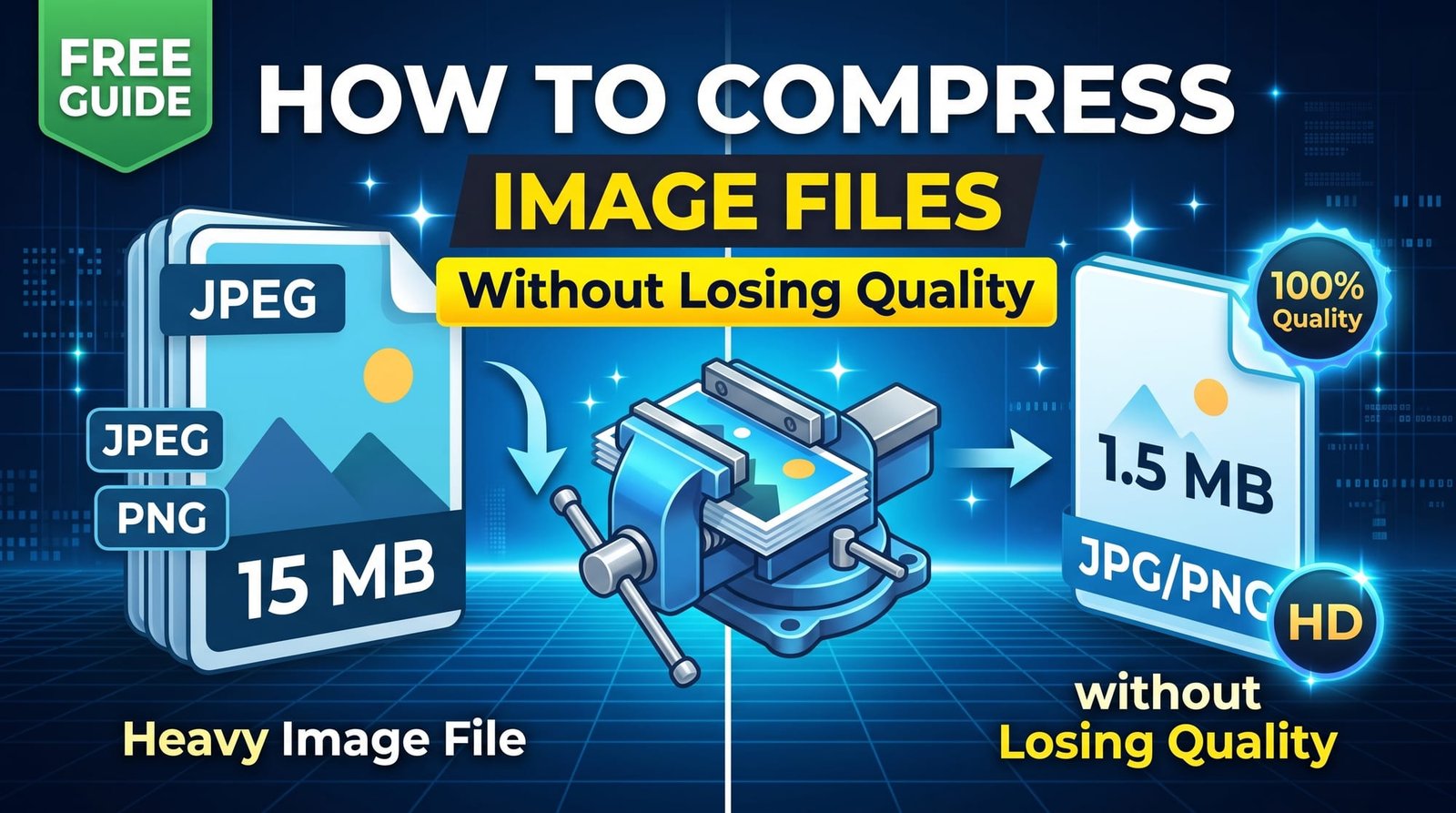
A single photo from a modern phone can weigh 4 or 5 MB. Attach a few to an email and you hit the size limit; drop a dozen onto a web page and it crawls. Learning to compress image files properly fixes both problems, and done right, nobody will ever notice the difference in quality.
This guide explains how image compression works, what quality settings to use, how to reach exact sizes like 100 KB, and how to do it on iPhone, Android, Windows and Mac.
What Happens When You Compress an Image?
Image compression reduces the amount of data needed to store a picture. There are two broad approaches:
- Lossy compression (JPG, WebP, AVIF) throws away detail the human eye is bad at noticing — tiny variations in colour and texture. You get huge savings, often 50–80%.
- Lossless compression (PNG, and lossless WebP) repacks the data more efficiently without changing a single pixel. Savings are smaller but quality is untouched.
The trick to compressing without visible quality loss is choosing a level where the discarded detail is genuinely invisible.
How to Compress Image Files Online (Step by Step)
With our free Image Compressor:
- Open the tool in any browser.
- Upload a JPG, PNG, WebP or AVIF image.
- Leave the quality slider around 70–80, or lower it for a smaller file.
- Click Compress and download the result.
The file keeps its original format, there’s no watermark, and your image is deleted from memory as soon as it’s processed.
What Quality Setting Should You Use?
| Quality | Typical saving | Looks like | Use it for |
|---|---|---|---|
| 85–90 | 30–50% | Identical to the original | Portfolios, print |
| 70–80 | 50–75% | No visible difference on screen | Websites, social media, most uses |
| 50–65 | 75–85% | Slight softness up close | Email attachments, forms |
| Below 40 | 85%+ | Visible blockiness | Only when size is critical |
How to Compress an Image to 100 KB, 50 KB or 20 KB
Application forms and exam portals often set hard limits. Guessing the right quality takes ages, so use Compress to Specific KB/MB instead: type the target size and it searches for the highest quality that fits. If the photo is very large, resize it first with Resize Image — a 600–800 px wide photo can reach 20 KB while staying perfectly recognisable.
Compress Images on iPhone and Android
You don’t need an app. Open the compressor in Safari or Chrome, tap the upload box, pick a photo from your gallery and download the smaller copy. On iPhone it saves to Photos or Files; on Android it lands in Downloads. This is the easiest way to shrink photos before sending them through apps that refuse large attachments.
Compress Images on Windows and Mac
Windows Paint can resave images, but it gives you no quality control. Mac Preview lets you export a JPG with a quality slider, which works for one photo at a time. For anything more, a browser-based compressor is faster and works the same on both systems.
How to Compress Many Images at Once
Preparing a whole product catalogue or holiday album? The Bulk Image Compressor handles dozens of images in one upload and returns a single ZIP. Use the same quality for every image so the set looks consistent.
Compress vs Resize: What’s the Difference?
People often mix these up. Resizing changes the pixel dimensions — a 4000 × 3000 photo becomes 1600 × 1200. Compressing keeps the dimensions but stores them more efficiently. For the biggest savings, do both: resize to the size it will actually be displayed, then compress. A photo shown at 800 px wide on a website never needs to be 4000 px wide.
Which Format Compresses Best?
- JPG: excellent for photos, universally supported.
- PNG: best for logos, screenshots and transparency; use Compress PNG for colour reduction.
- WebP: around 25–35% smaller than JPG at the same quality, supported by all modern browsers.
- AVIF: smaller still, ideal for websites that can use it.
Google’s own guidance on Core Web Vitals stresses fast-loading images, which is why modern formats matter for sites.
Does Compressing Photos Reduce Quality?
Lossy compression always removes something, but at sensible settings it’s detail you can’t see. The places quality loss shows first are smooth gradients (like skies) and sharp text in screenshots. If you notice banding or fuzzy text, raise the quality or switch that image to PNG.
Is It Safe to Compress Images Online?
Photos can reveal more than you think, including where they were taken. Choose a compressor that doesn’t store uploads and doesn’t need an account. Ours processes each image in memory and deletes it immediately. Compressed files are also written without camera metadata, which removes GPS details as a bonus.
Common Mistakes to Avoid
- Compressing the same JPG repeatedly. Each save loses a little more detail. Always compress from the original.
- Using PNG for photos. A photo saved as PNG can be ten times larger than a good JPG.
- Uploading full-size images to websites. Resize first; it’s the single biggest saving.
- Going too low. Below about 40 quality, artefacts become obvious.
Why Compress Images at All?
Smaller images send faster, fit email and form limits, use less storage and data, and make websites load quickly — which keeps visitors around and helps search rankings. It’s one of the easiest wins in everyday computing.
Final Thoughts
To compress image files without losing quality, start around 75, resize anything larger than it needs to be, and keep the original for safekeeping. When a form demands an exact size, let a KB-target tool do the guesswork. Try the free Image Compressor on your next batch of photos and see how much space you get back.
Frequently Asked Questions
How do I compress a picture?
Upload it to an online image compressor, keep the quality around 70–80 and download the smaller copy in the same format.
How do I reduce image size without losing quality?
Use a quality setting of 70–80 and resize the image to the dimensions it will actually be shown at. The difference won’t be visible.
How do I compress an image on iPhone?
Open a compressor in Safari, choose the photo from your library and save the compressed copy to Photos or Files.
How do I compress an image to 100 KB?
Use a compress-to-KB tool, enter 100 as the target and it finds the best quality that fits automatically.
How do I batch compress images?
Use a bulk image compressor: select all images at once and download them compressed in a single ZIP.
Does compressing photos reduce quality?
It removes some detail, but at quality 70–80 the change isn’t visible on screen.
Is it safe to compress images online?
It is when the service deletes images right after processing and doesn’t require an account.
What is the best format for compressing photos?
JPG is universal; WebP and AVIF are smaller for websites. Use PNG only for graphics and transparency.
What is the difference between compressing and resizing?
Resizing changes the pixel dimensions; compressing stores the same pixels more efficiently. Doing both gives the smallest files.
Why should I compress images?
Smaller images upload and load faster, fit email limits, save storage and improve website speed.