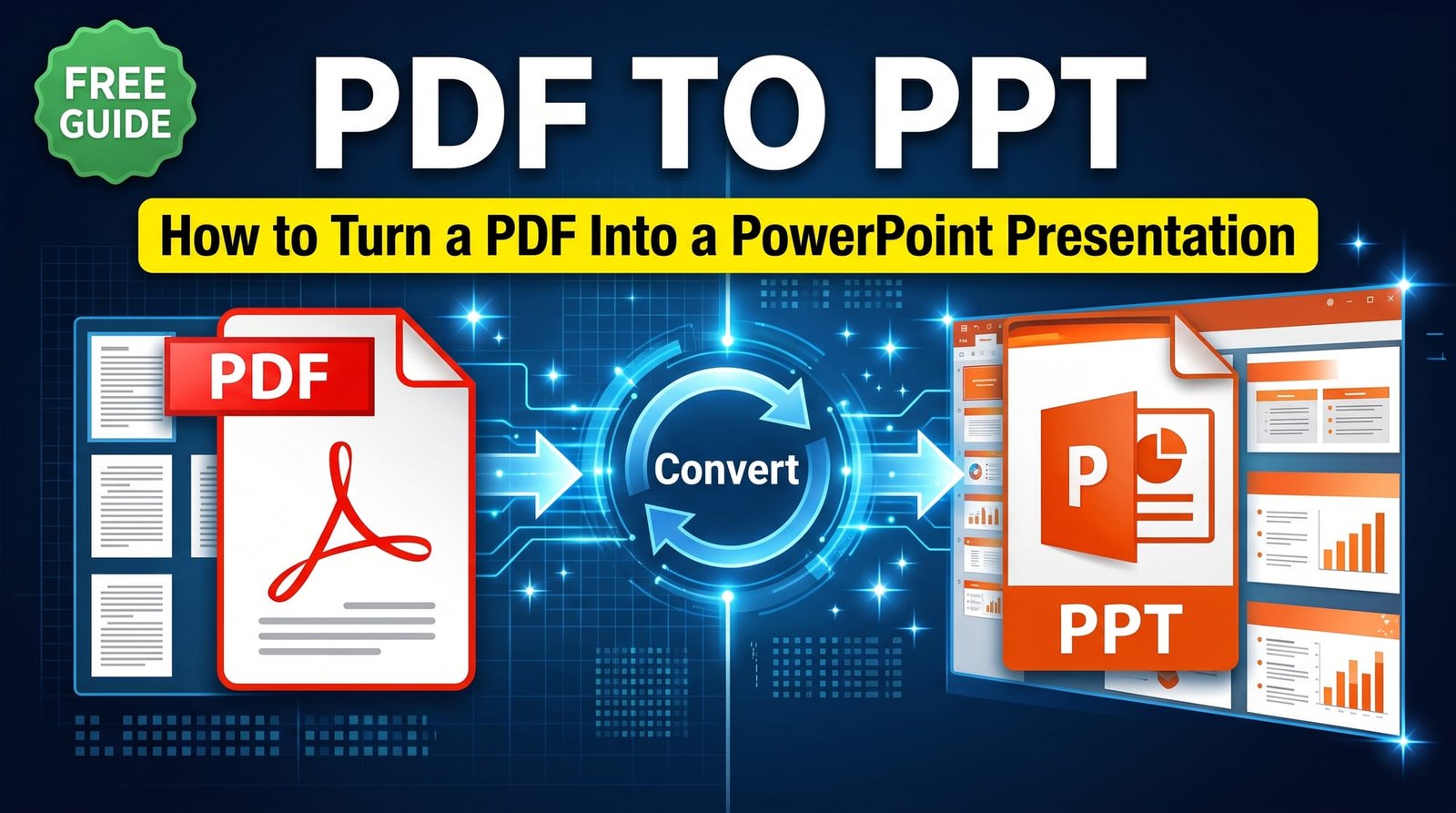
Someone sends you a report or a lecture handout as a PDF, and you need to present it tomorrow. Or a client shares slides as a PDF and you want them back in PowerPoint. Converting PDF to PPT gives you a presentation file you can open in PowerPoint, Keynote or Google Slides, add notes to and present in full screen.
This guide explains how the conversion works, what you can and can’t edit afterwards, and the best approach for different situations.
PPT vs PPTX: What’s the Difference?
PPT is PowerPoint’s older format (up to 2003); PPTX is the modern format used since PowerPoint 2007. PPTX files are smaller, more reliable and open in every current presentation app. When people say “PDF to PPT”, they almost always want a PPTX — which is what our converter creates.
How to Convert PDF to PPT Online (Step by Step)
With our free PDF to PowerPoint converter:
- Upload your PDF.
- Click Convert.
- Download the .pptx file.
- Open it in PowerPoint, Keynote, Google Slides or LibreOffice Impress.
Each PDF page becomes one slide, sized to fit, so the presentation looks exactly like the original document. No email or sign-up needed.
What You Can Edit After Converting
Our converter places each page on its slide as a high-quality image. That’s a deliberate choice: it guarantees the slides look identical to the PDF, with no shifted text boxes, missing fonts or broken layouts. Here’s what that means in practice:
| You can | You can’t directly |
|---|---|
| Present in full screen | Retype the text in the original boxes |
| Add speaker notes | Change the original fonts |
| Add new text, shapes and arrows on top | Move individual elements of the page |
| Insert, delete and reorder slides | Edit charts as charts |
| Add transitions and a title slide |
For many uses — presenting a report, walking through a document, annotating pages — this is exactly what you want.
PDF to PPT Without Changing the Format
Converters that try to rebuild every text box often scramble the layout: text spills out of boxes, fonts change and images move. Image-based slides avoid that completely. If your goal is “make it look the same, but in PowerPoint”, this is the most reliable way.
When You Need Fully Editable Text
If you need to rewrite the content, there are better routes:
- Ask for the original file. If the PDF came from PowerPoint, the sender probably still has the .pptx.
- Copy the text. Use PDF to Text to pull out all the words, then paste them into a fresh template.
- Go via Word. Convert with PDF to Word, tidy the headings, then use Word to PowerPoint to turn the headings into slides.
The last option is surprisingly effective for reports: each heading becomes a slide title and the paragraphs become bullet points.
Presenting a PDF Without Converting
Sometimes you don’t need PowerPoint at all. Most PDF viewers have a full-screen or presentation mode — in Adobe Reader it’s View → Full Screen Mode, and Mac Preview has Slideshow. The advantage of converting is everything else PowerPoint offers: speaker notes, presenter view, adding slides and mixing with your own content.
Convert PDF to PPT on Mac
Keynote can’t open PDFs as presentations directly. Convert to PPTX first, then open the file in Keynote — it imports PowerPoint files without trouble. The same goes for Google Slides: upload the .pptx to Google Drive and open it with Slides.
Can AI Convert PDF to PPT?
Some AI tools now generate a presentation from a document by summarising it into new slides. That’s different from conversion: you get new wording and a new design rather than the original pages. It can be useful for drafting, but always check the facts and figures — AI summaries can drop or invent details.
Tips for Better Slides From a PDF
- Remove pages you won’t present with Delete PDF Pages before converting.
- Rotate sideways pages first so slides aren’t tilted.
- Portrait documents will appear with space on either side of a 16:9 slide; that’s normal.
- Add a title slide and a closing slide in PowerPoint to frame the content.
- Use speaker notes for what you want to say on each page.
Going Back From PowerPoint to PDF
When your presentation is ready to share, convert it back with PowerPoint to PDF so it looks the same on every device. It’s the best format for handouts and emailing.
Is It Safe to Convert PDF to PPT Online?
Business documents and lecture materials can be confidential. Use a converter that doesn’t store files or require an account. Ours processes your PDF in memory and deletes it after conversion. PowerPoint’s Presenter View, which shows your notes while the audience sees only the slide, is worth learning before you present — PowerPoint has offered it for years.
Final Thoughts
Converting PDF to PPT is the fastest way to present a document with all of PowerPoint’s tools. Image-based slides keep the layout perfect; for rewriting, go through Word or copy the text. Try the free PDF to PowerPoint converter before your next meeting.
Frequently Asked Questions
How do I convert a PDF to PPT?
Upload the PDF to a PDF to PowerPoint converter and download the .pptx. Each page becomes a slide.
Can I convert PDF to PPTX for free?
Yes. Our converter is free with no sign-up, email or watermark.
Can I edit the slides after converting?
You can add text, shapes, notes and slides. The original page content appears as an image, so it looks exactly like the PDF.
How do I convert PDF to PPT without changing the format?
Use a converter that places each page as a slide image, which keeps the layout identical.
What is the difference between PPT and PPTX?
PPT is the old PowerPoint format; PPTX is the modern format used since 2007 and opens everywhere.
Can I convert a PDF back to PowerPoint?
Yes, but the best result is the original .pptx if the sender still has it.
Can I open the converted file in Google Slides?
Yes. Upload the .pptx to Google Drive and open it with Google Slides.
Which AI can convert PDF to PPT?
Some AI tools create new slides from a document summary. It’s not a true conversion, so check the content carefully.
How do I present a PDF like a PowerPoint?
Use your PDF viewer’s full-screen mode, or convert to PPTX for notes and presenter view.
Is it safe to convert PDF to PPT online?
Yes when files are deleted after conversion and no account is needed.