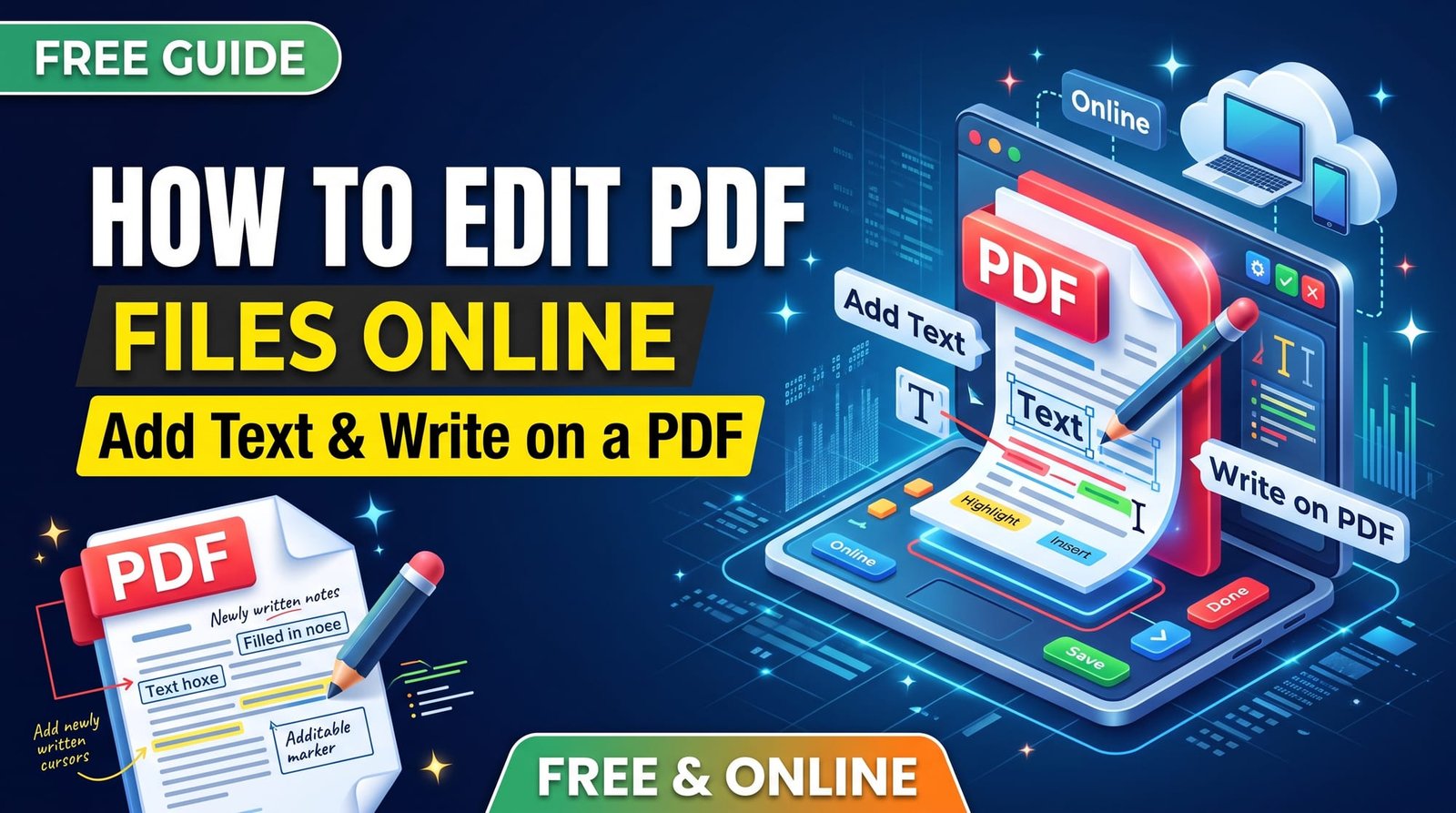
PDFs are built to look the same everywhere, which is exactly why they feel locked when you need to change something. The good news: most everyday edits — adding your name, writing a date, filling in a blank, correcting a detail — don’t need an expensive editor. You can edit PDF files for free in your browser.
The key is matching the method to the change. This guide walks through the options, from adding a quick text box to doing a full rewrite.
What Kind of PDF Edit Do You Need?
| You want to… | Best tool |
|---|---|
| Add text, a date or a note | Edit PDF (add text box) |
| Fill in form fields | Fill PDF Form |
| Add a signature | Sign PDF |
| Delete, reorder or rotate pages | Page tools such as Delete Pages or Rotate PDF |
| Rewrite paragraphs | PDF to Word, edit, then save as PDF |
How to Edit PDF Files by Adding Text (Step by Step)
With our free Edit PDF tool:
- Upload your PDF.
- Choose the page you want to write on.
- Type your text — a name, address, date or note.
- Set the position, font size and colour.
- Click Apply and download the edited PDF.
Repeat for each bit of text you need to add. No sign-up and no watermark on your document.
Can You Change Existing Text in a PDF?
This is the hardest kind of edit. Text inside a PDF is stored as positioned characters with embedded fonts, not as flowing paragraphs. Even paid editors sometimes struggle to replace text cleanly when the original font isn’t available.
For small corrections, a practical trick is to cover the old text with a white box and type the new text on top — that’s how many people fix a typo in a form. For larger changes, convert the PDF to Word, edit it there and convert it back with Word to PDF.
How to Write on a PDF
“Writing on a PDF” usually means one of two things: typing text into blank spaces, or handwriting with a pen or finger. Typing is cleaner and easier to read; use the add-text method above. For handwriting on a tablet, the built-in markup tools on iPad and Android are great.
How to Edit PDF on Mac
Preview is surprisingly capable. Open the PDF and show the Markup toolbar to add text boxes, shapes, highlights and signatures. You can also drag pages to reorder them in the sidebar. For most people it covers the basics without any extra software.
How to Edit PDF on Windows 11
Microsoft Edge opens PDFs and lets you add text, highlight and draw. It’s handy, but formatting options are limited and text can be hard to line up precisely. An online editor gives you control over position and size and works in any browser.
How to Edit PDF on iPhone
Open the PDF in the Files app and tap the Markup icon. You can add text, draw, and insert your signature. To place text more precisely, the online tool works in Safari too, and saves the edited file back to Files.
Edit PDF to Word: When It’s the Better Choice
If you need to change whole sentences or paragraphs, converting to Word is often the most practical route:
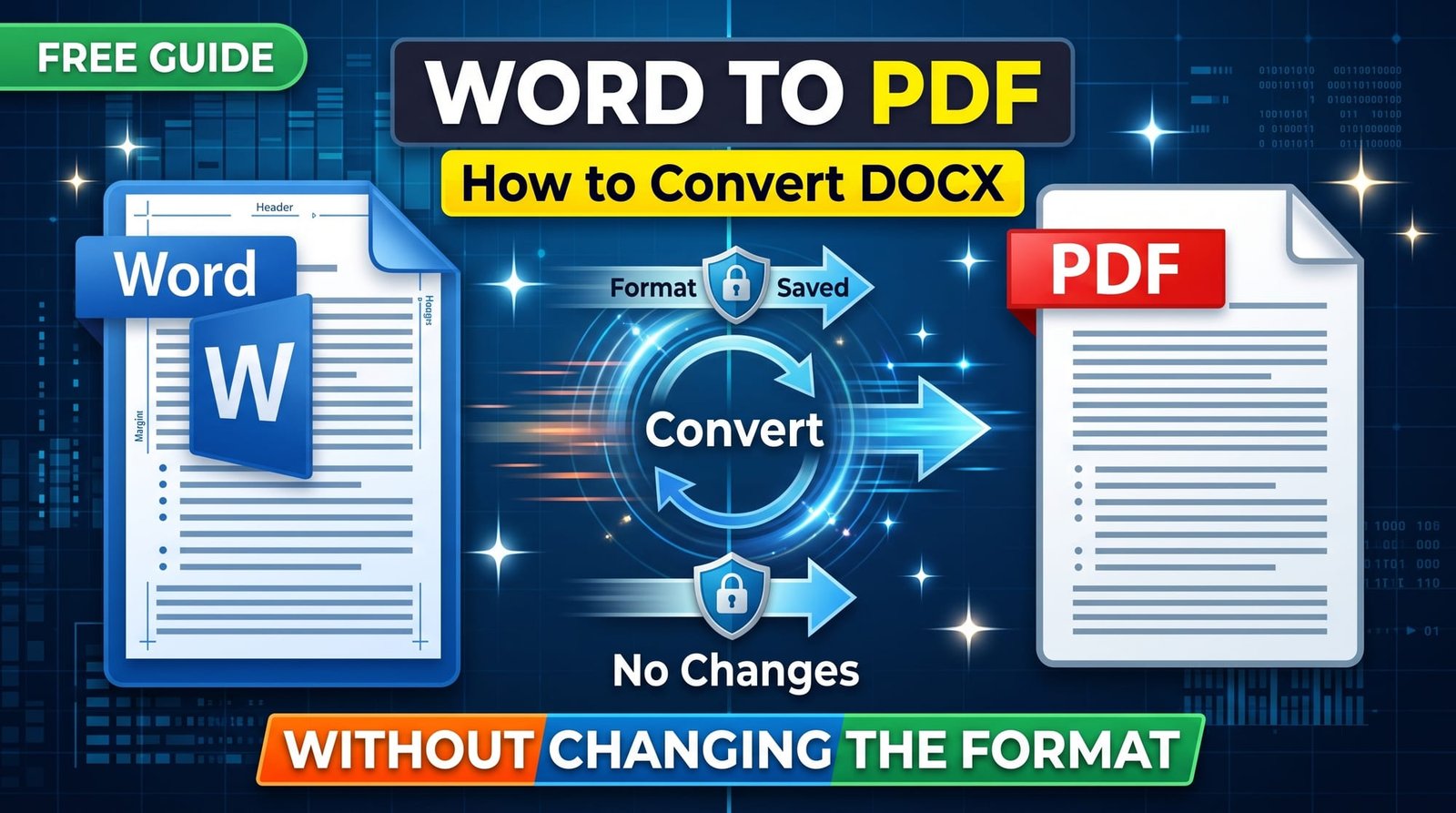
- Convert with PDF to Word.
- Edit the text in Word, Google Docs or LibreOffice.
- Save or convert back to PDF.
Layouts with columns and complex tables may need a little tidying in Word. For scanned documents, use OCR to Word so the text can be recognised first.
Editing Pages, Not Text
Many “edits” are really page changes. You don’t need an editor for these:
- Remove unwanted pages with Delete PDF Pages.
- Fix sideways pages with Rotate PDF.
- Change page order with Reorder PDF.
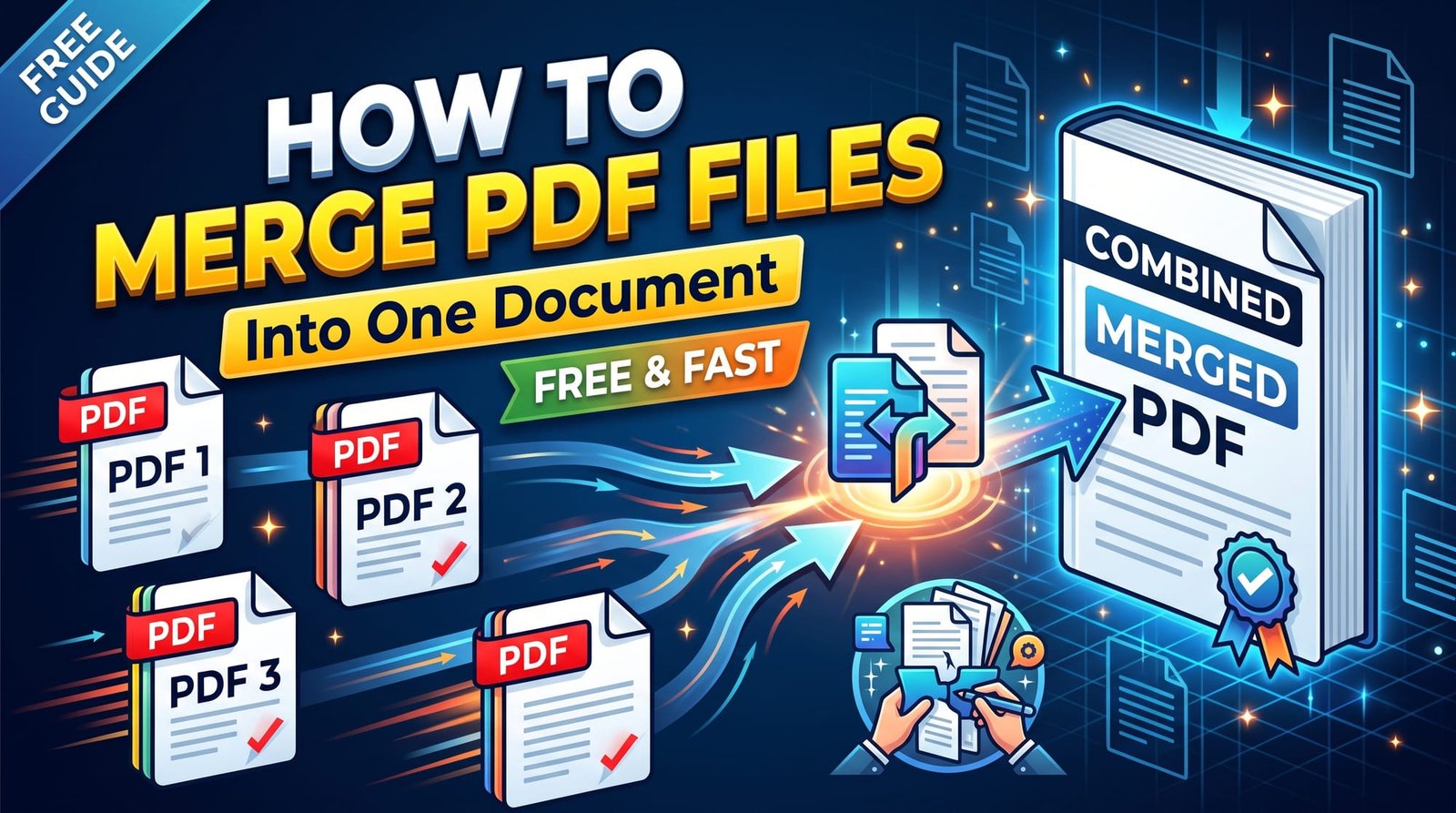
- Add another document with Merge PDF.
Locked PDFs That Won’t Let You Edit
Some PDFs have an owner password that blocks editing, printing or copying. If you have the password, remove it with Unlock PDF and then edit. If you don’t, ask the person who sent it — bypassing someone else’s protection isn’t something a legitimate tool should do.
Tips for Clean, Professional Edits
- Match the font size to the surrounding text, usually 10–12 pt.
- Use black or dark blue for answers on forms.
- Zoom in to check alignment before downloading.
- Keep the original file in case you need to start again.
- Flatten the final PDF if you don’t want anyone changing your additions.
Is It Safe to Edit PDFs Online?
Use a service that doesn’t store your files or require an account. Ours processes documents in memory and deletes them as soon as you download. The PDF format was designed for reliable viewing, which is why editing feels limited — but for adding text, it’s quick and safe.
Final Thoughts
To edit PDF files for free, pick the right tool for the job: add a text box for names and dates, a form filler for fields, a signer for signatures, and PDF to Word for heavy rewrites. Try the free Edit PDF tool next time you need to write on a document.
Frequently Asked Questions
How do I edit a PDF for free?
Use a free online editor to add text, or built-in tools like Preview on Mac and Markup on iPhone.
How do I add text to a PDF?
Upload the PDF to an add-text tool, choose the page and position, type your text and download.
Can I edit existing text in a PDF?
It’s difficult because PDFs store fixed text. Cover and retype small fixes, or convert to Word for bigger changes.
How do I write on a PDF?
Type into it with an add-text tool, or handwrite using markup tools on a tablet or phone.
How do I edit a PDF on Mac?
Open it in Preview and use the Markup toolbar to add text, shapes and signatures.
How do I edit a PDF on Windows 11?
Open it in Microsoft Edge to add text and draw, or use an online PDF editor for precise placement.
How do I edit a PDF on iPhone?
Open it in Files, tap Markup, and add text, drawings or a signature.
Can I edit a PDF in Word?
Yes. Convert the PDF to Word, edit it, then save it as a PDF again.
Why can’t I edit my PDF?
It may be scanned (an image) or locked with a password. Use OCR for scans and unlock it if you have the password.
Is it safe to edit PDFs online?
Yes when the service deletes files after processing and doesn’t require an account.